Triển khai CloudFormation Stack
- Truy cập vào EC2 và chọn Keypair, sau đó chọn Create key pair.

- Thực hiện tạo keypair. Đặt tên cho keypair chúng ta sẽ dùng để tạo CloudFormation stack.
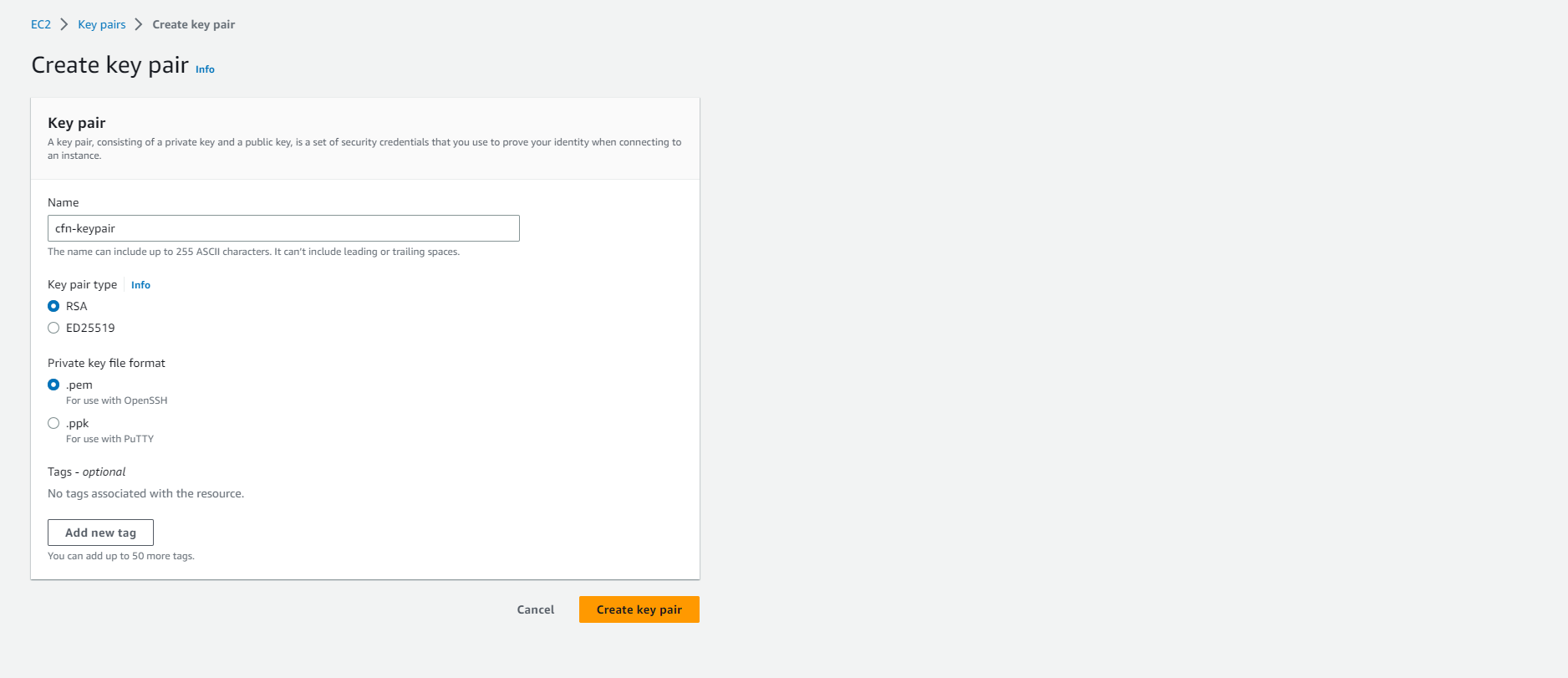
- Tạo keypair thành công.

- Chúng ta truy cập vào CloudFormation
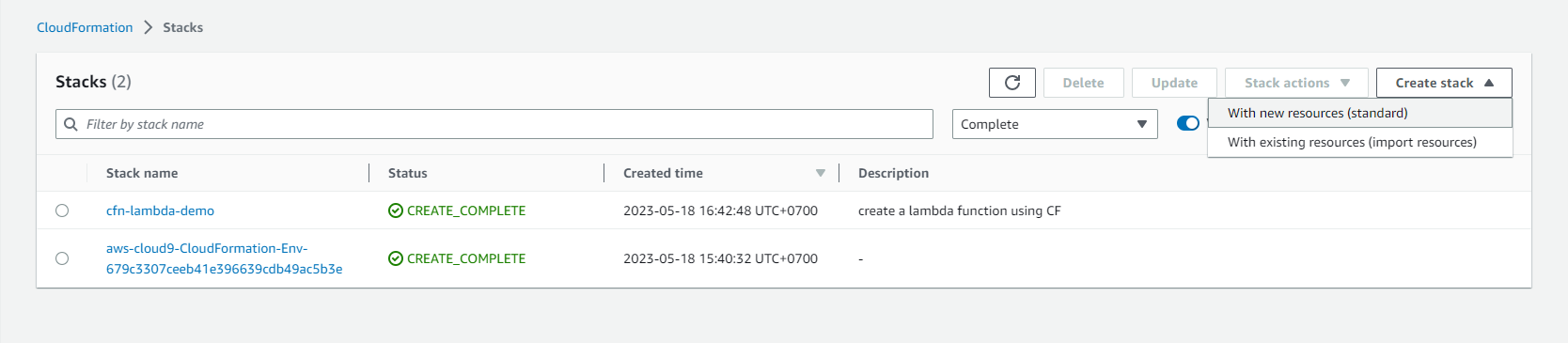
- Chọn Create stack.
- Chọn With new resources (standard)
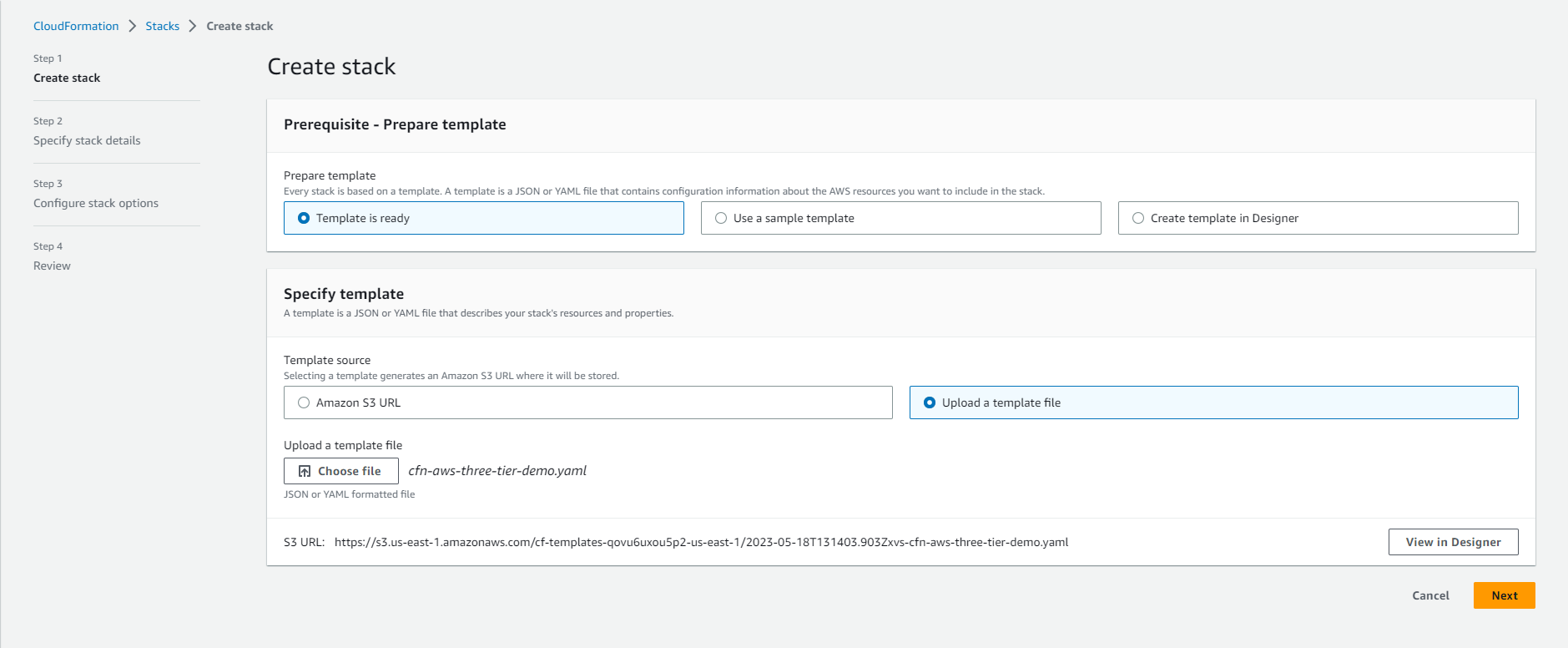
- Thực hiện tạo stack
- Chọn Template is ready
- Chọn Upload a template file
- Tải file template về tại đây
- Chọn Choose file và chọn file vừa tải về.
- Đặt tên cho Stack name. Ví dụ: cfn-aws-three-tier-demo

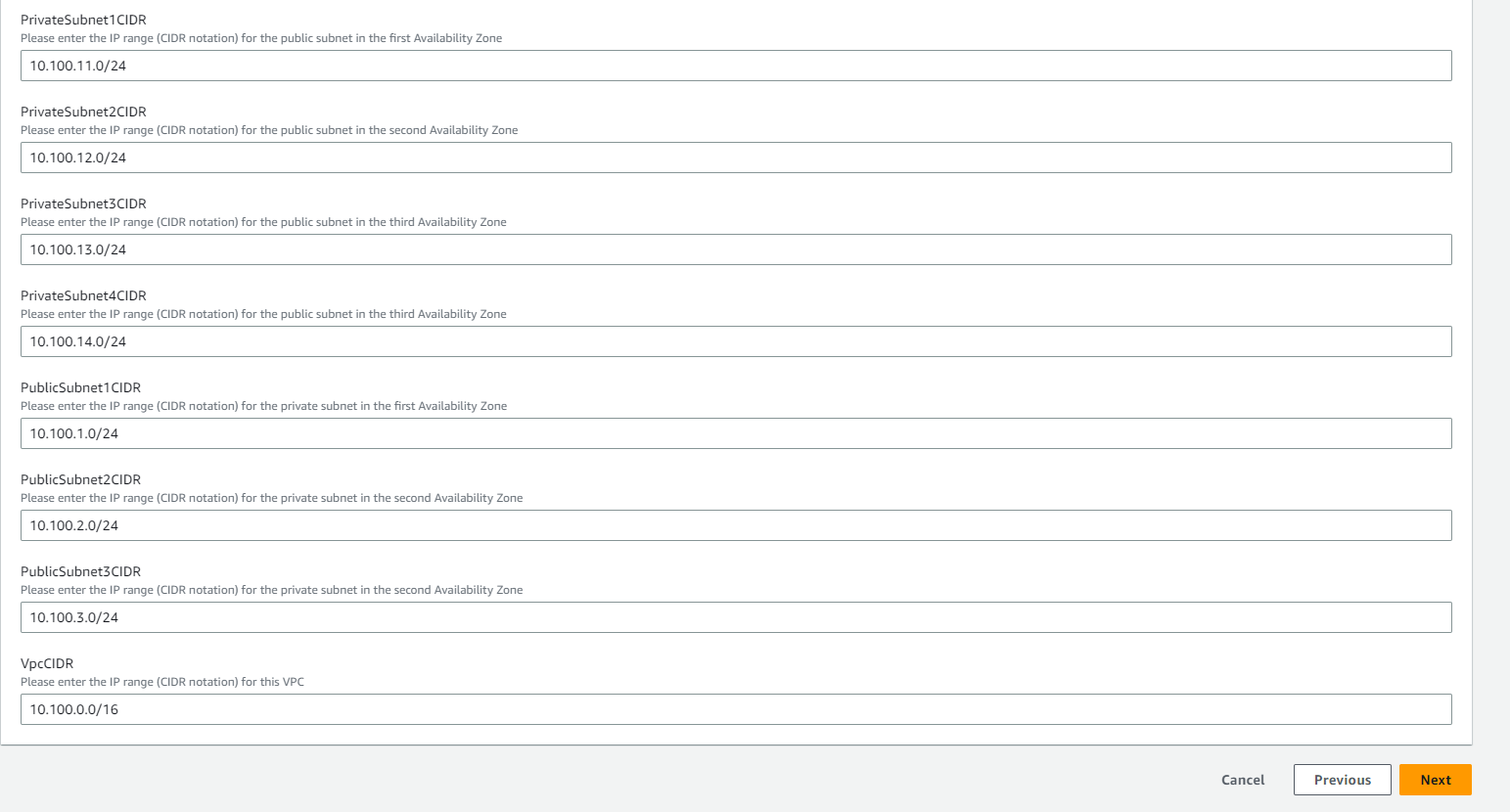
- Thực hiện hoàn thành các thông tin trong phần Parameters
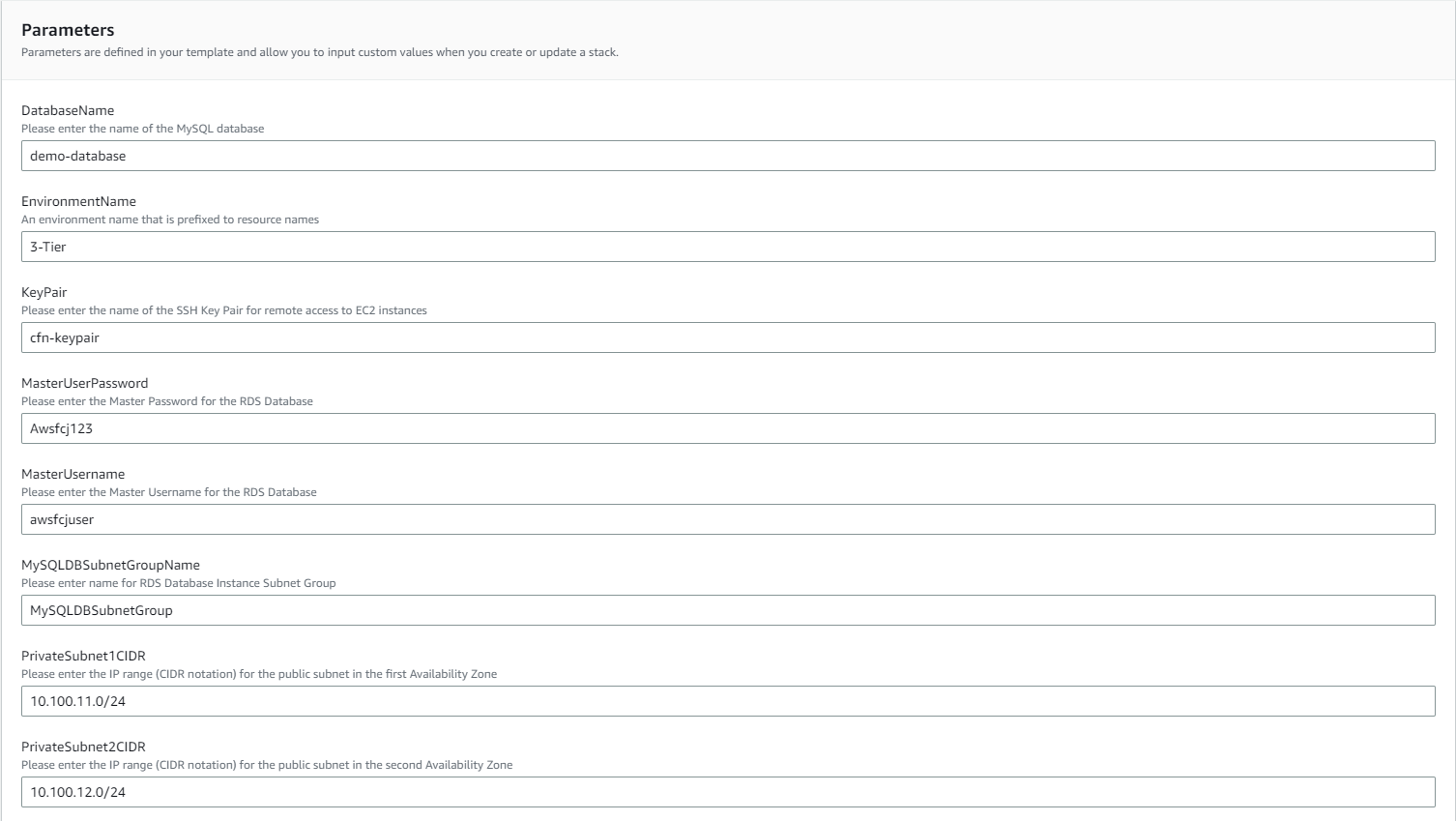
- Sau khi hoàn thành thông tin, chọn Next
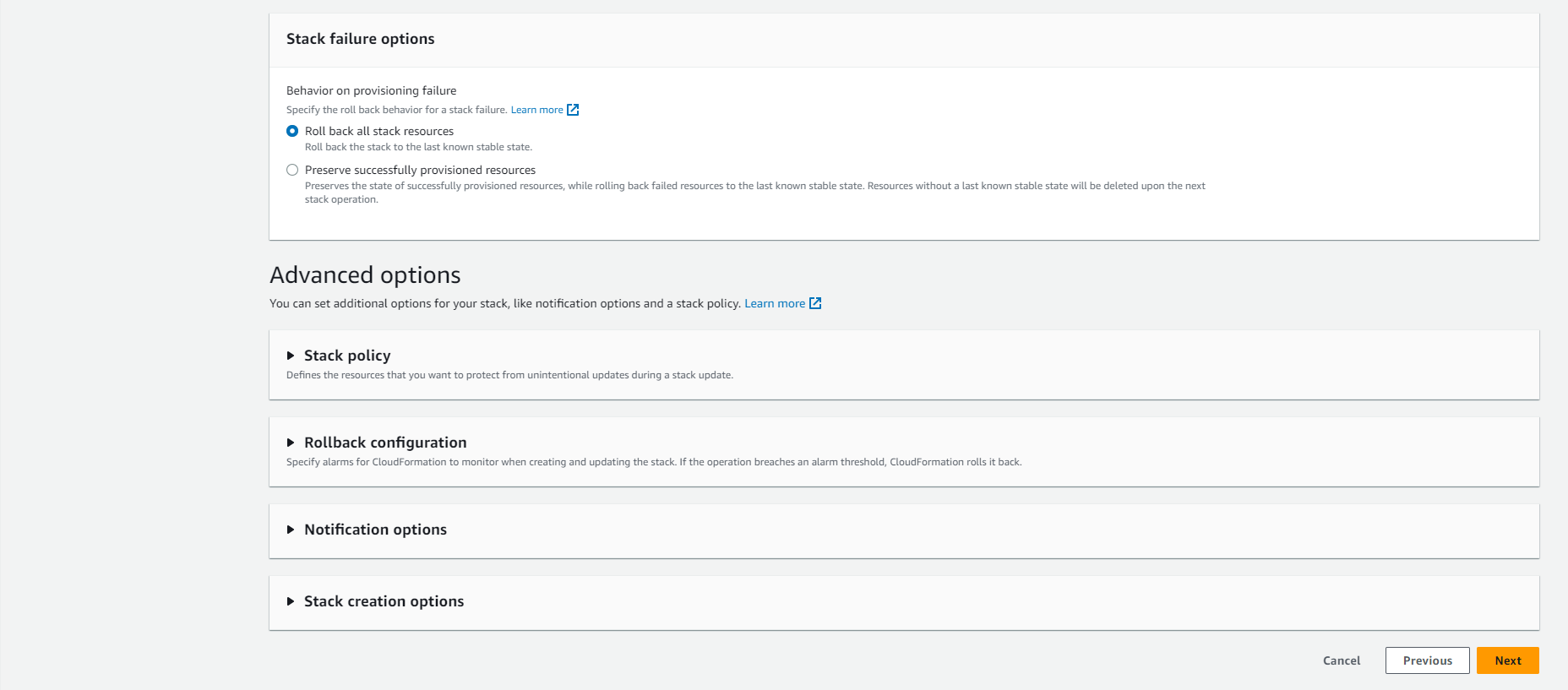
- Chọn Next
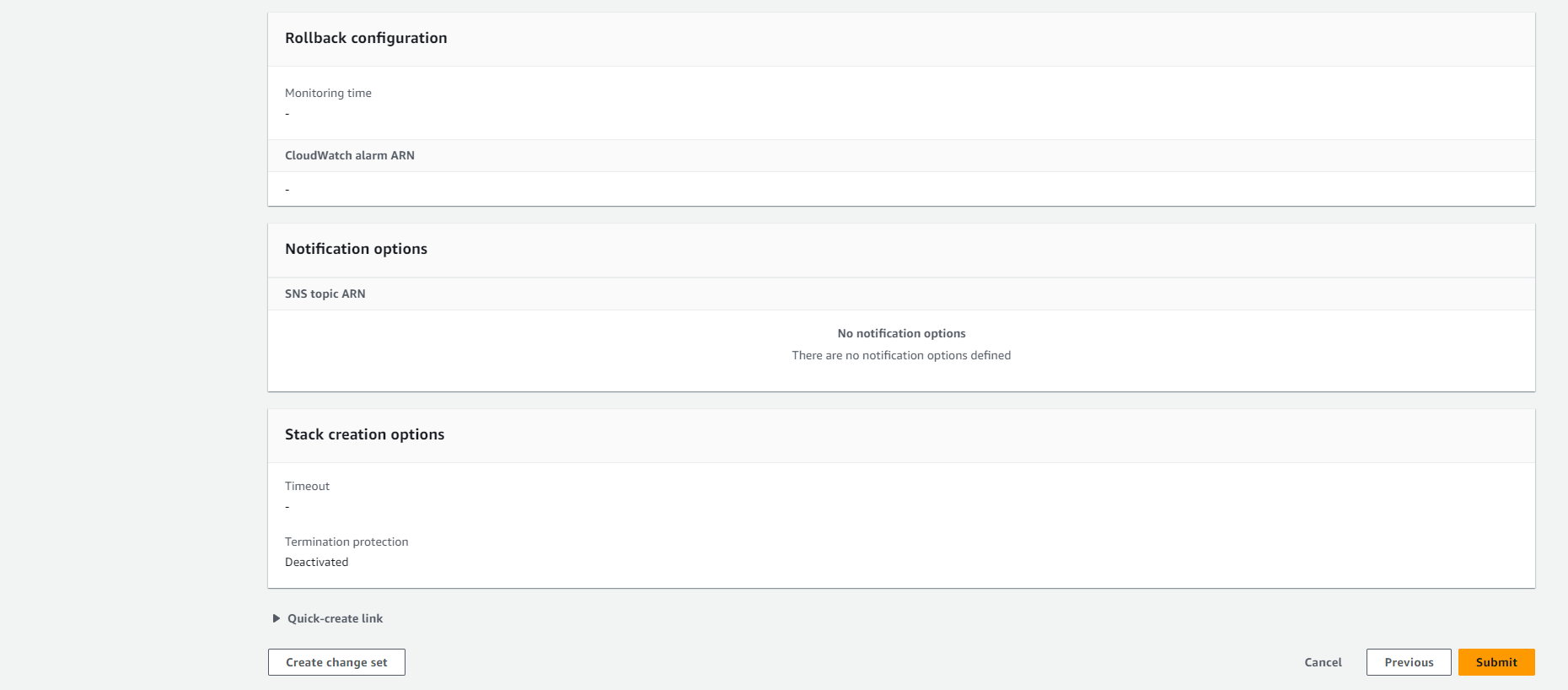
- Kiểm tra lại và chọn Submit
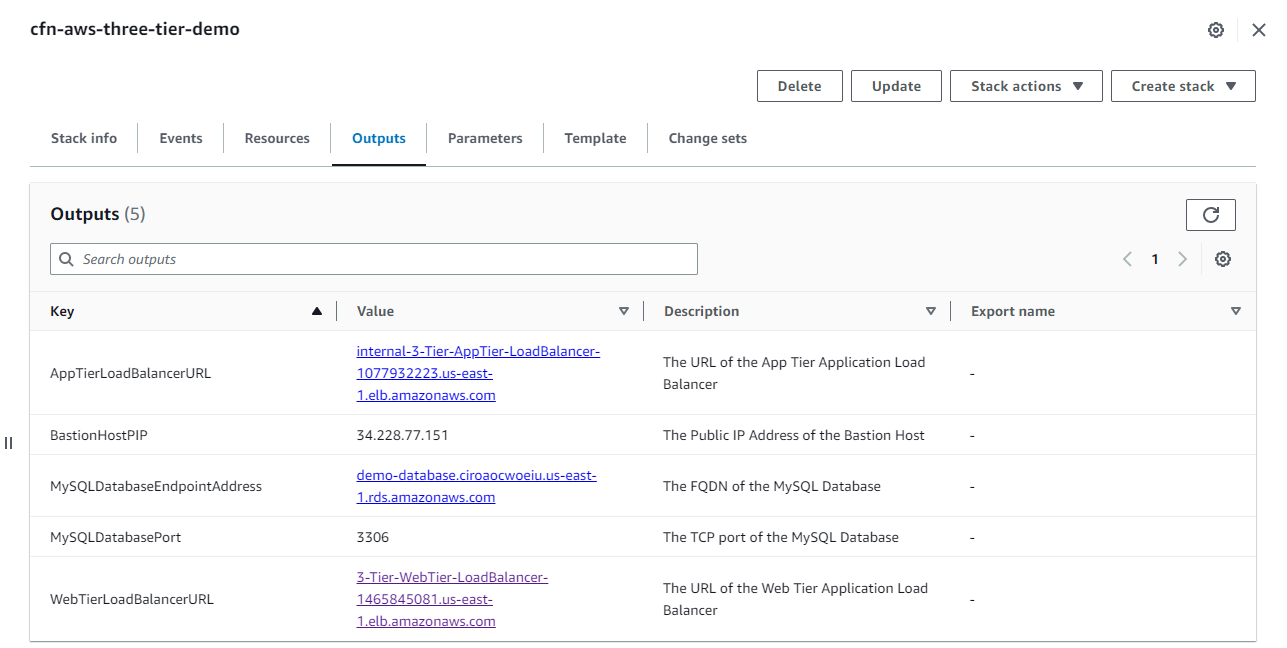
- Sau khi tạo thành công, chúng ta chọn Output. Sao chép giá trị WebTierLoadBalancerURL vào trình duyệt.