Deploying CloudFormation Stack
- Access EC2 and select Keypair, then choose Create key pair.

- Proceed with creating the keypair. Name the keypair that will be used to create the CloudFormation stack.
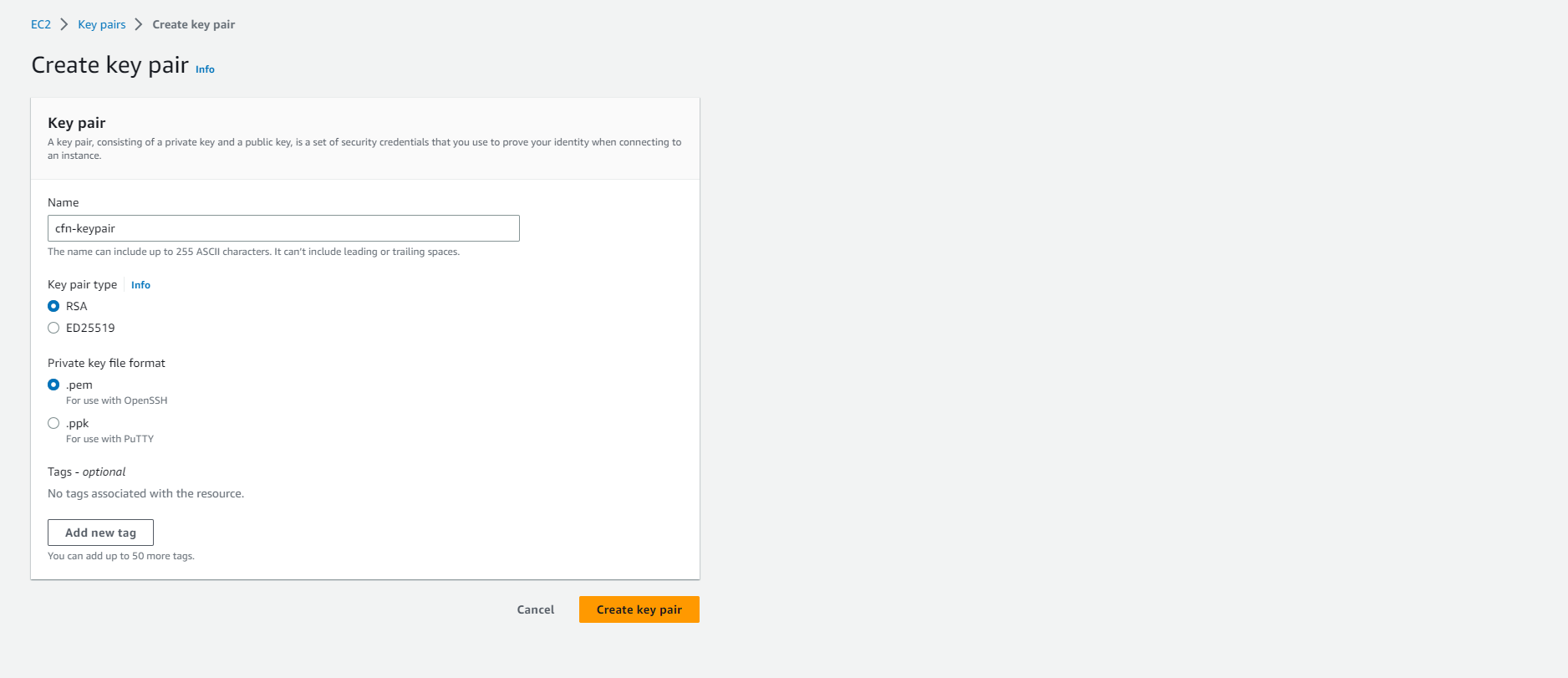
- Keypair created successfully.

- Access CloudFormation
- Select Create stack.
- Choose With new resources (standard)
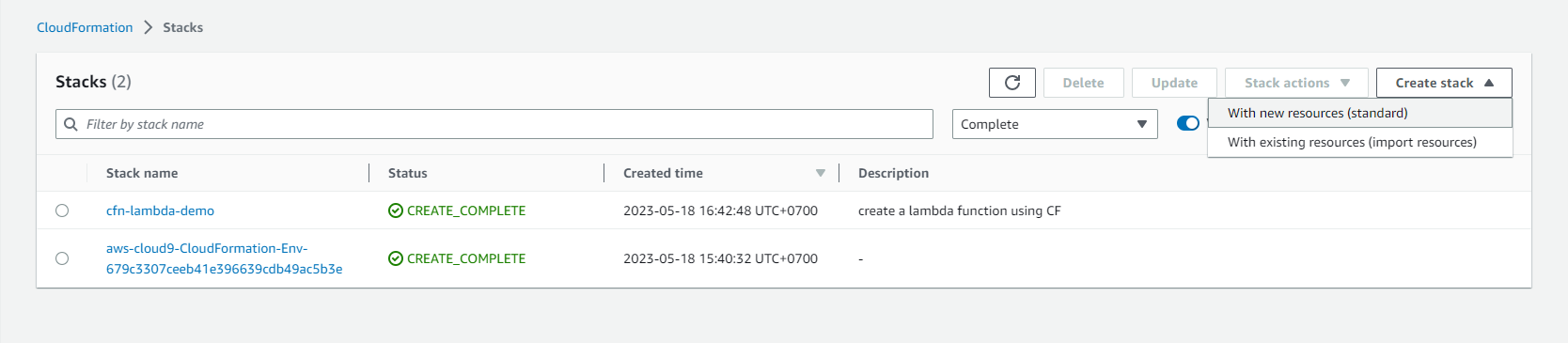
- Proceed with creating the stack
- Select Template is ready
- Choose Upload a template file
- Download the template file here
- Select Choose file and choose the downloaded file.
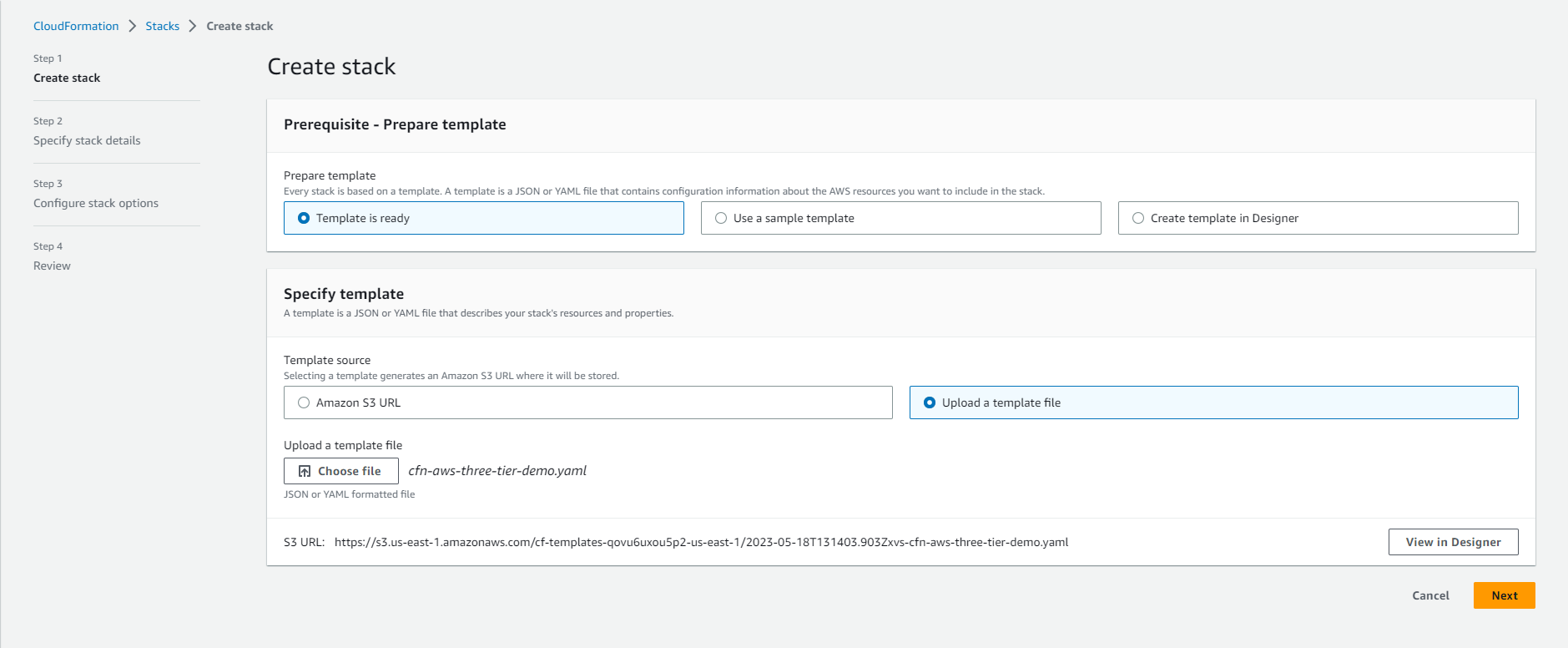
- Set the Stack name. For example: cfn-aws-three-tier-demo

- Complete the information in the Parameters section.
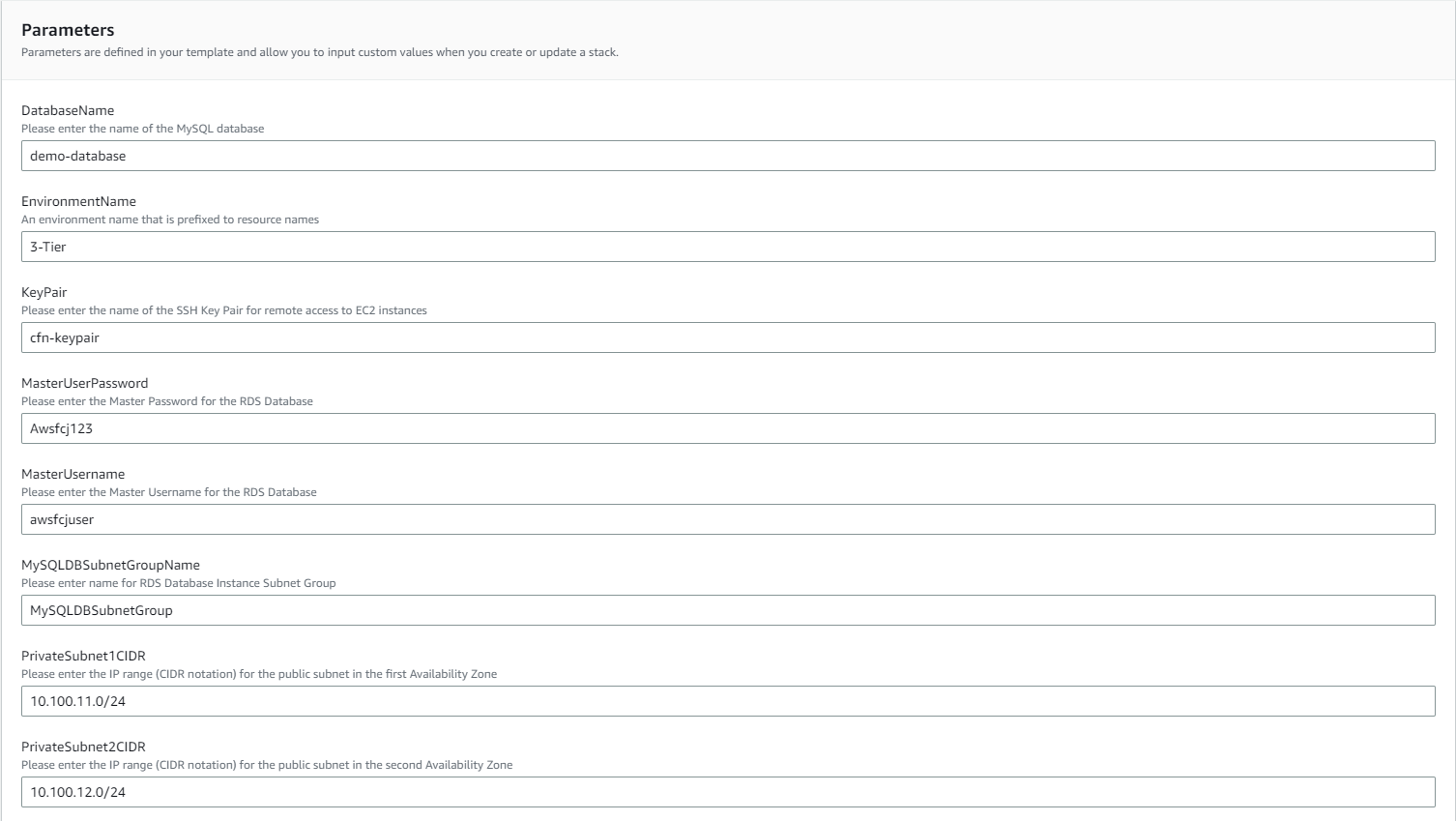
- After completing the information, select Next
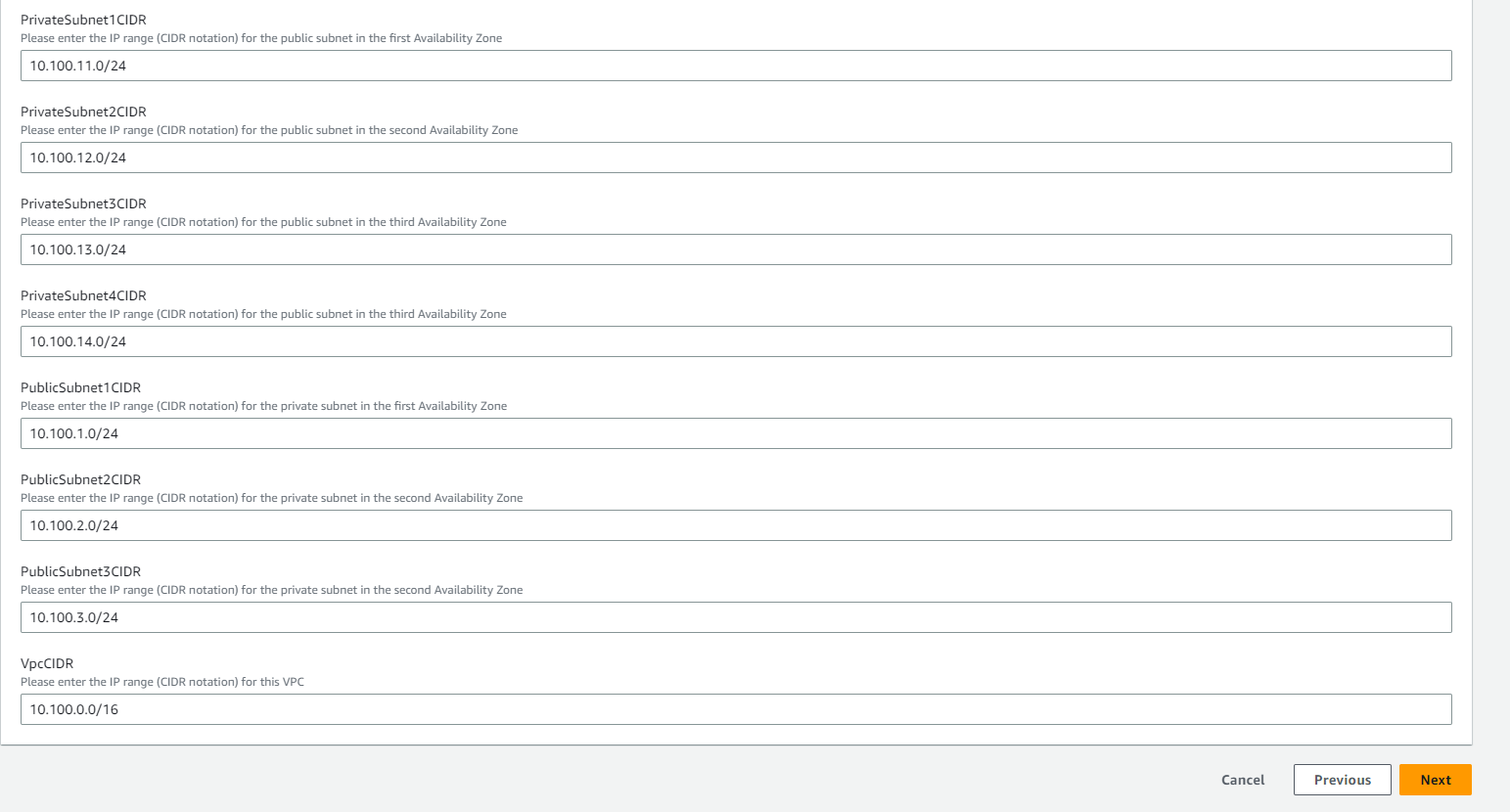
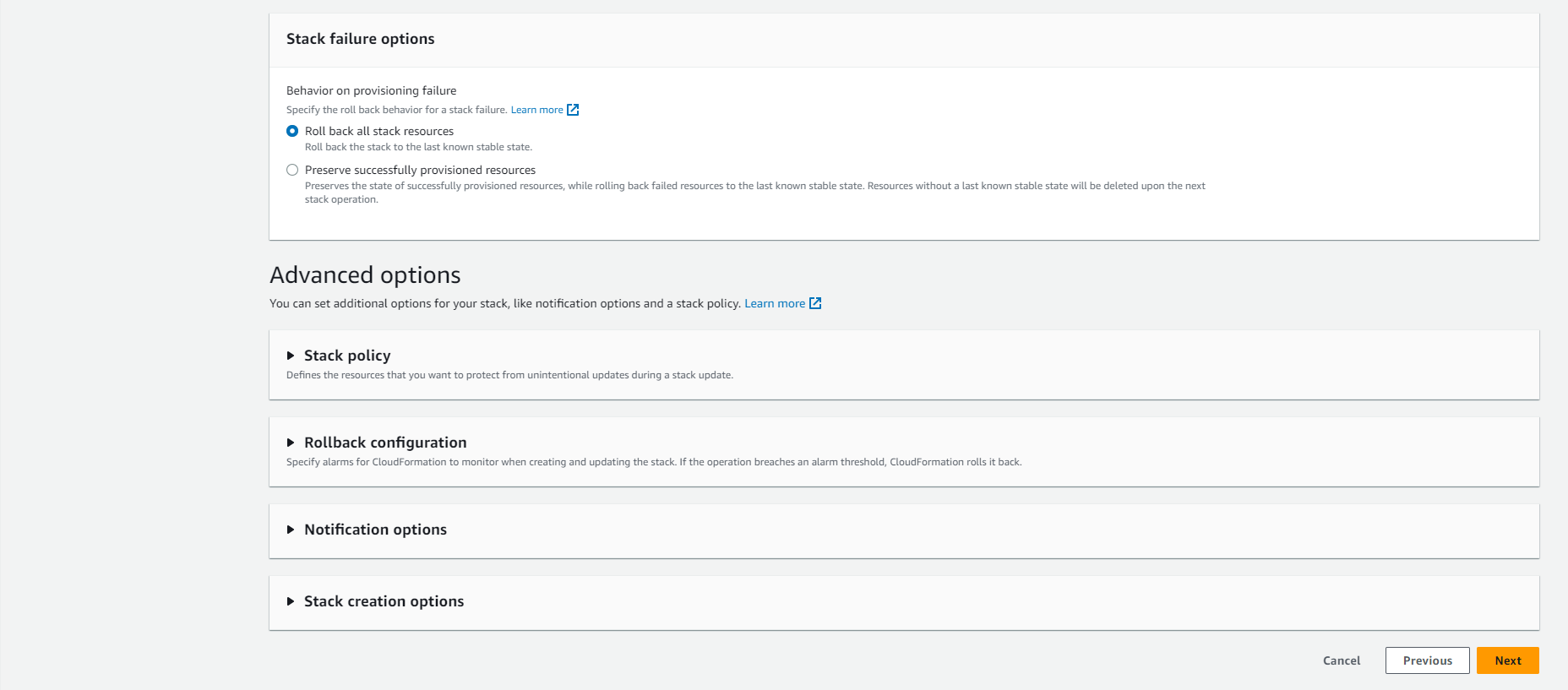
- Select Next
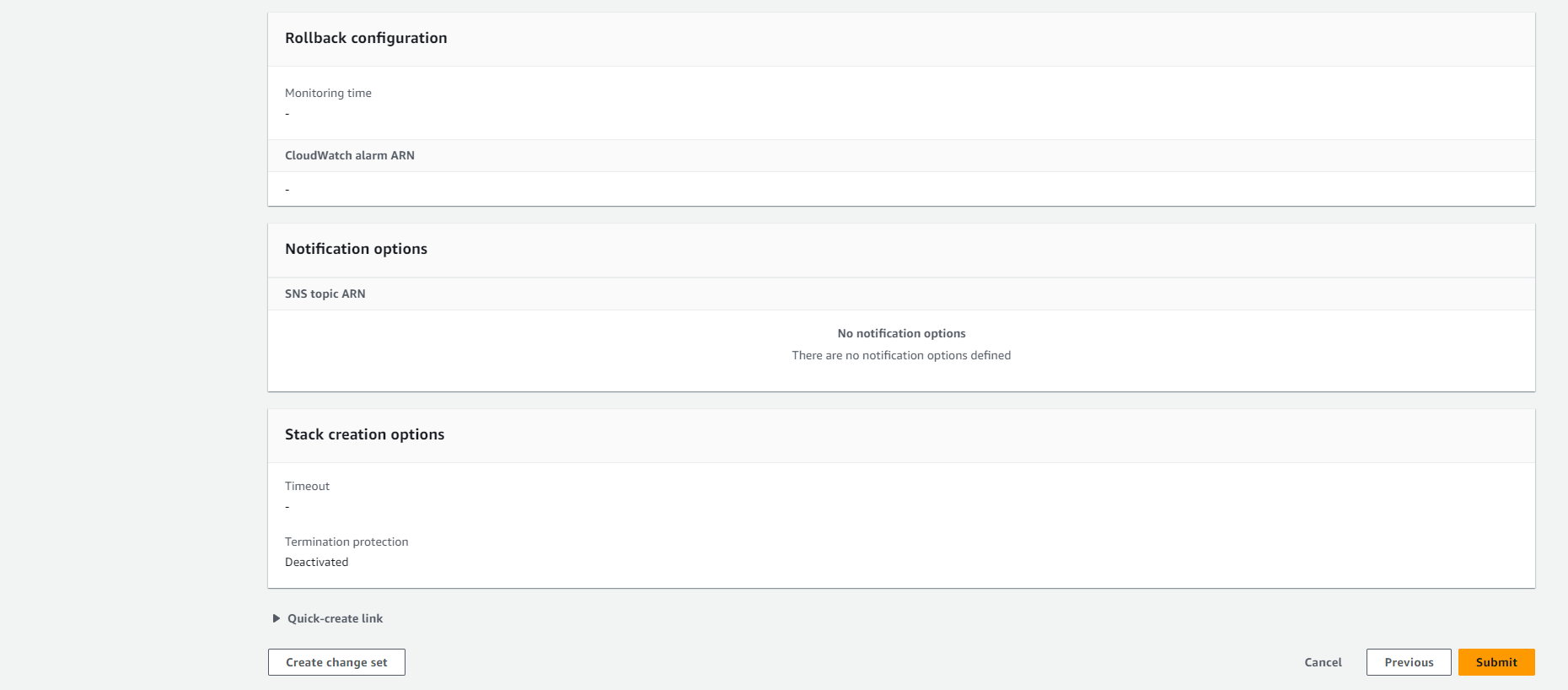
- Review and select Submit
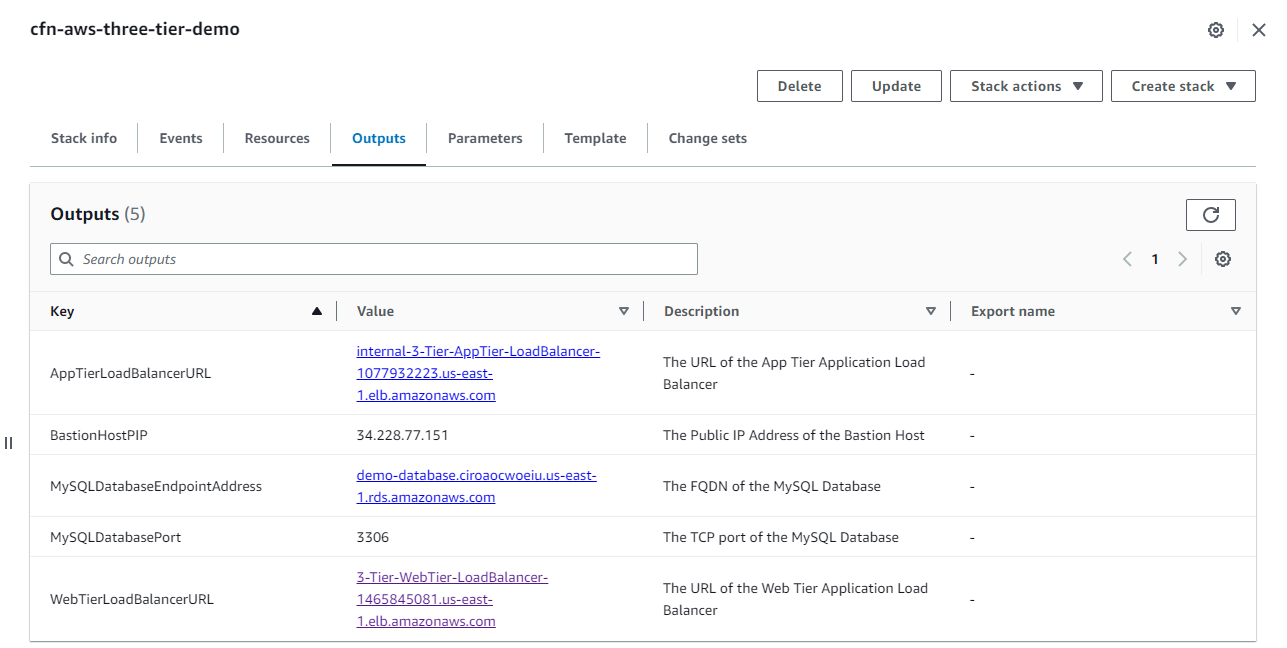
- Once successfully created, select Output. Copy the value of WebTierLoadBalancerURL into the browser.