Web Tier Access Test
Web Tier Access Test
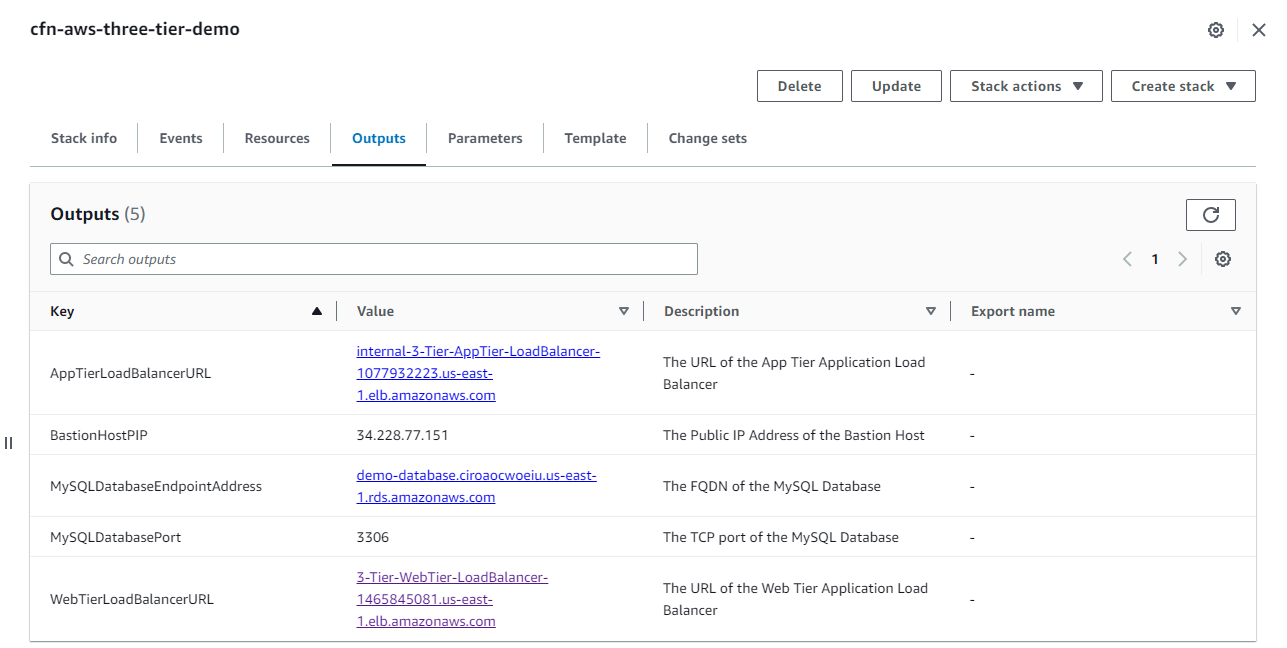
- After successful creation, select Output. Copy the value of WebTierLoadBalancerURL and paste it into your web browser.
- In the web browser, you will see the text line This Amazon EC2 instance is located in Availability Zone: us-east-1a.

- You can then refresh the page to switch to another AZ: This Amazon EC2 instance is located in Availability Zone: us-east-1b.

- Go back to the Output section and copy the value of BastionHostIP.
- SSH into the Bastion Host using the keypair and IP you just copied.
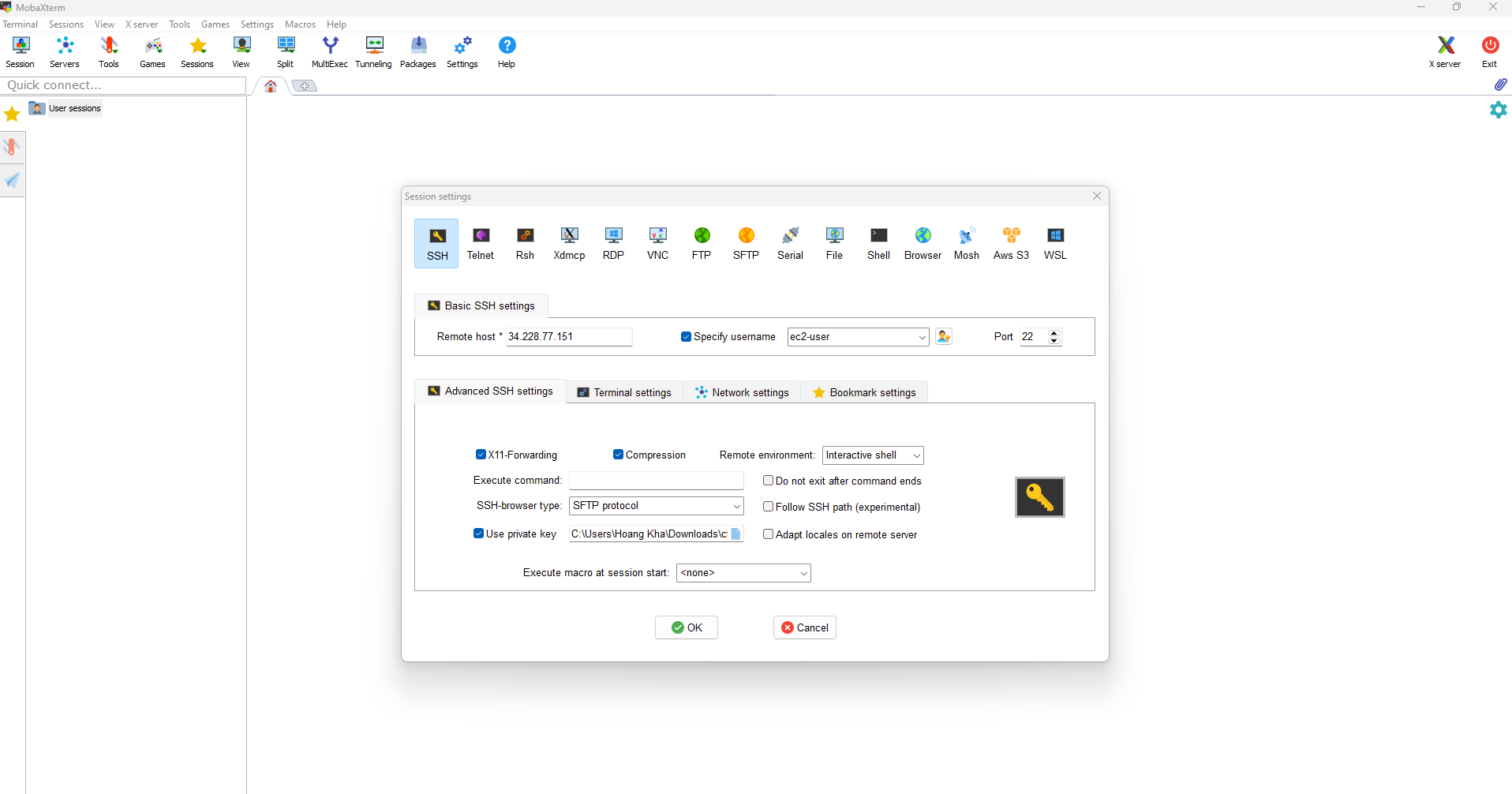
- SSH connection successful.
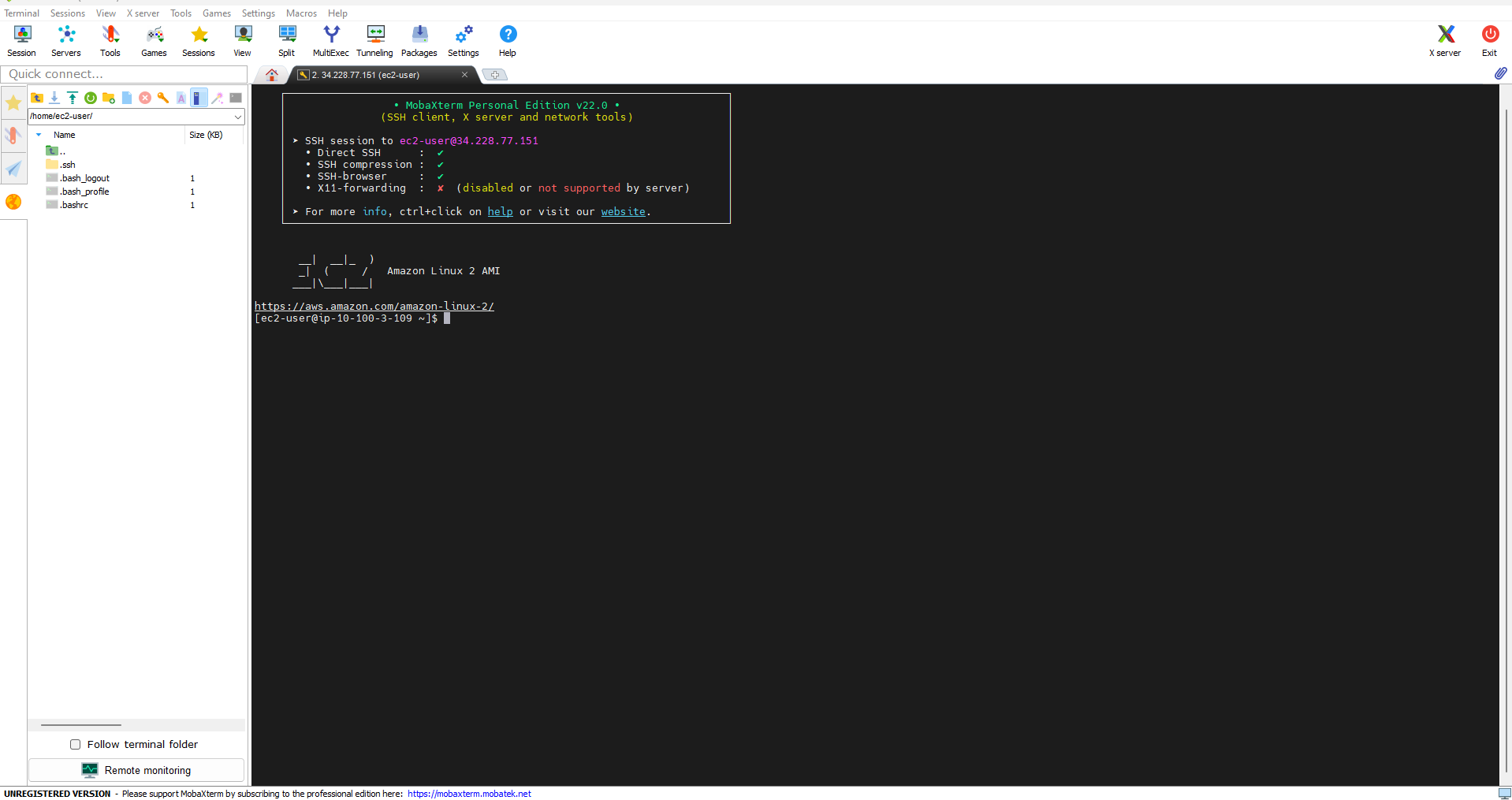
- Create the cfn-keypair.pem file and copy the key content from your local computer, then save and exit using the command :wq!.

- Perform an intermediate SSH connection to the Web tier EC2 instance using the following commands:
chmod 400 <path_key_pair>
ssh -i <path_to_key_pair> ec2-user@<web_tier_ec2_private_ip>
